AI image generator online
AI image generator online in one workflow. Create and refine images faster.
Or start free in the Telegram bot — 10 coins to tryHow it works
Prepare: A text prompt and, when useful, a reference image
Configure: the image model, scene description, reference, and aspect ratio
Finish with: Several image variants ready to choose, edit, or upscale
LIVE PRODUCT FACTS
What you can actually run with NanoBanana Pro
These values come from the current ALLAI model catalog. They describe the available tool, controls and cost with default settings rather than a generic promise.
- Tool
- NanoBanana Pro
- Price with default settings
- 24 coins with default settings

Available variants
- NanoBanana 2
- NanoBanana 2 Lite
- NanoBanana Pro
- NanoBanana
Catalog controls
- Aspect ratio
- auto, 1:1, 3:4, 4:3, 9:16, 16:9, 1:4, 1:8, 2:3, 3:2, 4:1, 4:5, 5:4, 8:1, 21:9
- Resolution
- 1K, 2K, 4K
Frequently asked questions
- Is this AI image generator free to use?
- You don't pay a subscription — you spend coins per image at a fixed rate, so you only pay for what you actually generate. New accounts get starter coins when you register, so your first few images are free to try before you decide to top up.
- Which model should I pick for text-to-image?
- You can choose from NanoBanana 2, Flux 2 Pro, Seedream 5 Pro, GPT Image 2.5, and Grok Image. Each has a slightly different look, so the easiest way is to run the same prompt through several of them and compare the results side by side before committing.
- Can I keep the same face or product across images?
- Yes. Upload a reference photo along with your prompt and the model will hold onto that face or product while it builds the rest of the scene. This is useful when you want a consistent character or want your actual product to appear.
- Do I need to install anything or get an API key?
- No. Everything runs in your browser — there's nothing to download and no API key to set up. You type a description, pick a model, and generate.
- What's the difference between running one prompt on several models?
- The same text prompt can look quite different depending on the model — one may render skin and lighting more realistically, another may handle text or bold graphics better. Running it through several models at once lets you see those differences and keep the version that fits your idea.
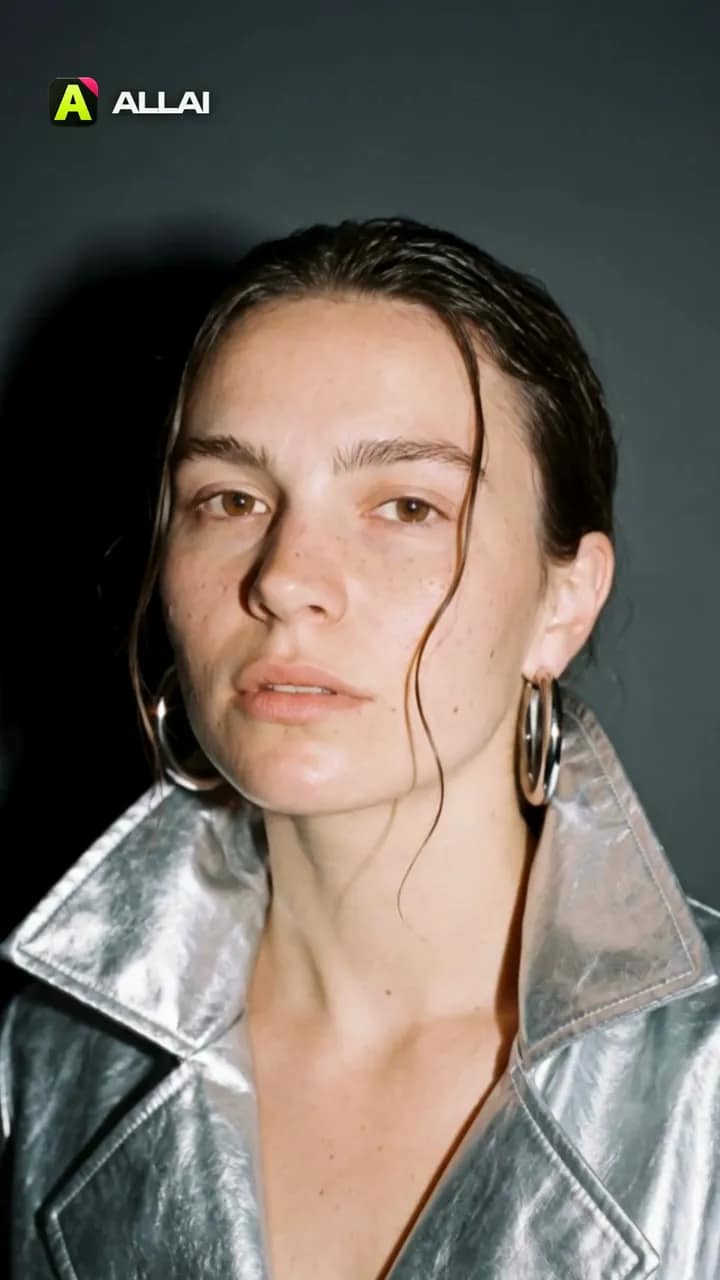 Made in ALLAI · 3 Kling 3.0 clips, edited
Turn your photo into a 5‑second fashion film
Hard camera flash, a glossy patent coat, a turn to the lens. Start from our frame or upload your photo, and Kling 3.0 shoots five seconds.
One photo becomes a five-second film shoot: a hard camera flash, a glossy patent coat, a turn to the lens.

Several image variants ready to choose, edit, or upscale
Concept art, campaign frames, illustrations, and visual drafts