AI image editor
AI image editor in one workflow. Clean up and improve photos faster.
Or start free in the Telegram bot — 10 coins to tryHow it works
Prepare: An existing image and a precise instruction describing what must change
Configure: the source image, editing instruction, model, and output proportions
Finish with: A revised image with the requested object, background, style, or detail edit
LIVE PRODUCT FACTS
What you can actually run with NanoBanana Pro
These values come from the current ALLAI model catalog. They describe the available tool, controls and cost with default settings rather than a generic promise.
- Tool
- NanoBanana Pro
- Price with default settings
- 24 coins with default settings

Available variants
- NanoBanana 2
- NanoBanana 2 Lite
- NanoBanana Pro
- NanoBanana
Catalog controls
- Aspect ratio
- auto, 1:1, 3:4, 4:3, 9:16, 16:9, 1:4, 1:8, 2:3, 3:2, 4:1, 4:5, 5:4, 8:1, 21:9
- Resolution
- 1K, 2K, 4K
Frequently asked questions
- How do I edit a photo just by describing the change?
- Upload the image and type what you want changed — remove the background, delete an object, retouch, or switch the style — and the model applies it. There's no manual masking or selecting; you describe it in plain words.
- Which models does the editor use?
- It runs on NanoBanana 2, Flux 2 Flex, and Seedream 5 Pro. You can try the same edit on more than one to see which handles your particular photo best.
- Can it restore or fix up old photos?
- Yes. You can restore old photos, retouch faces, and clean up damage just by describing what you want. It works alongside the rest of the photo tools if you also want to upscale afterward.
- Do I have to select the area I want to change manually?
- No — that's the point of describing edits in words. Instead of drawing a mask around an object, you tell it what to remove or change and the model figures out the region itself.
- Is the photo editor free?
- There's no subscription. You spend coins per edit at a fixed rate and only pay for the edits you run, and new accounts come with starter coins so your first edits are free to try.
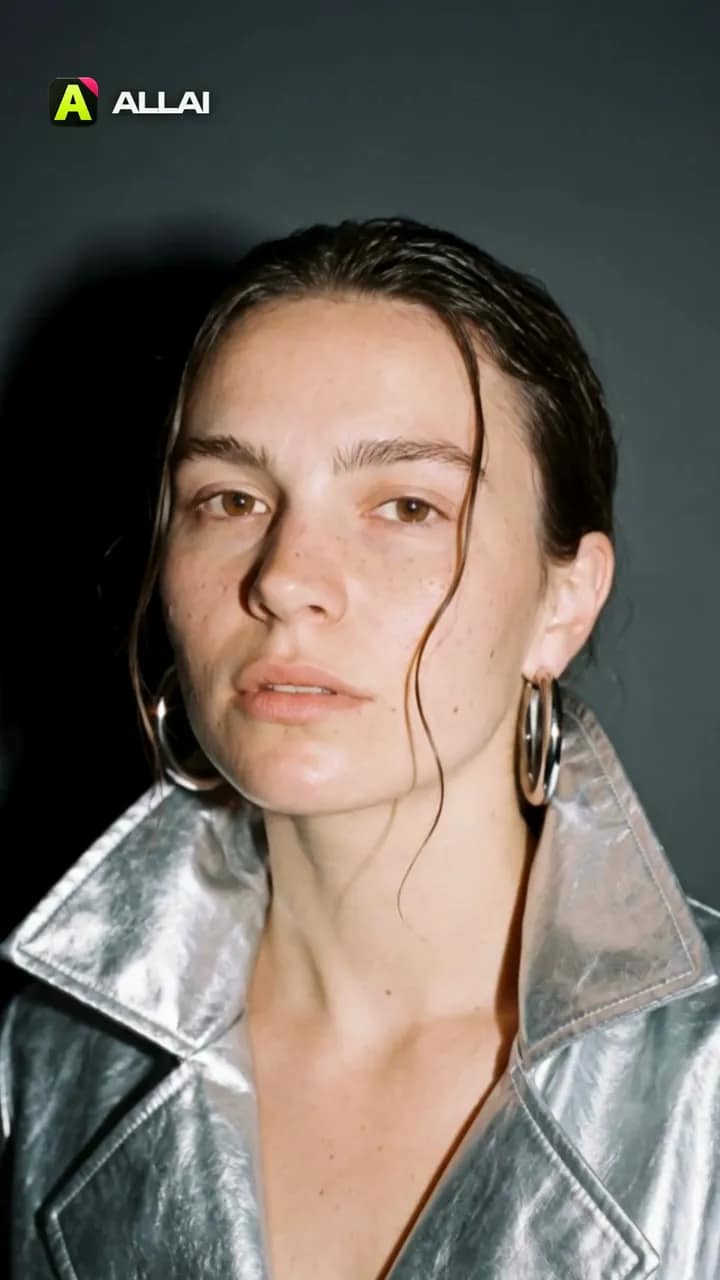 Made in ALLAI · 3 Kling 3.0 clips, edited
Turn your photo into a 5‑second fashion film
Hard camera flash, a glossy patent coat, a turn to the lens. Start from our frame or upload your photo, and Kling 3.0 shoots five seconds.
One photo becomes a five-second film shoot: a hard camera flash, a glossy patent coat, a turn to the lens.

A revised image with the requested object, background, style, or detail edit
Background changes, object replacement, restyling, and fast variations