Video creationProduct workflow
AI image to video
AI image to video in one workflow. Create motion and publish faster.
Or start free in the Telegram bot — 10 coins to tryProduct workflow
How it works
Prepare: One source image plus a clear instruction for subject or camera motion
Configure: the source frame, motion prompt, video model, and clip duration
Finish with: An animated clip that keeps the source composition as its visual anchor
LIVE PRODUCT FACTS
What you can actually run with Kling 3.0
These values come from the current ALLAI model catalog. They describe the available tool, controls and cost with default settings rather than a generic promise.
- Tool
- Kling 3.0
- Price with default settings
- 95 coins with default settings

Available variants
- Kling 3.0
- Kling 3 Turbo
Catalog controls
- Aspect ratio
- 16:9, 9:16, 1:1
- Mode
- std, pro
- Quality
- 720p, 1080p
Frequently asked questions
- How do I turn a photo into a video?
- Upload your image, describe the motion you want, and pick a model — Kling 3.0, Minimax Hailuo 3, Seedance 2.0, Wan 2.7 Image to Video, or Veo 3. It keeps the face and composition from your photo and adds movement, and some models add sound too.
- Will it keep the person's face from my photo?
- Yes, animating from an image holds onto the original face and composition rather than redrawing them, so the result still looks like your photo. It just brings in natural motion on top of what's already there.
- Can I animate an old family photo?
- You can, and it works well on old pictures. For the sharpest result, upscale the photo first so the details are crisp, then animate it into a short video.
- Which model should I use to animate an image?
- Kling 3.0, Minimax Hailuo 3, Seedance 2.0, Wan 2.7, and Veo 3 all animate from a still. They differ in motion style and whether they add sound, so try the same photo on a couple and keep the one that moves most naturally.
- Do I need editing skills or software for this?
- No. The whole thing runs in your browser — you upload a photo and describe the motion in words, with nothing to install and no API key needed. Coins are spent per generation and new accounts get starter coins to try it.
AI Video Studio
Turn a photo into a cinematic video.
Choose a short-form format, add a photo, and generate a cinematic clip through supported video models.
Current formatSeedanceZine rhythm5 scenarios
What you'll get
Cutout edits, poster frames, music-video pacing.
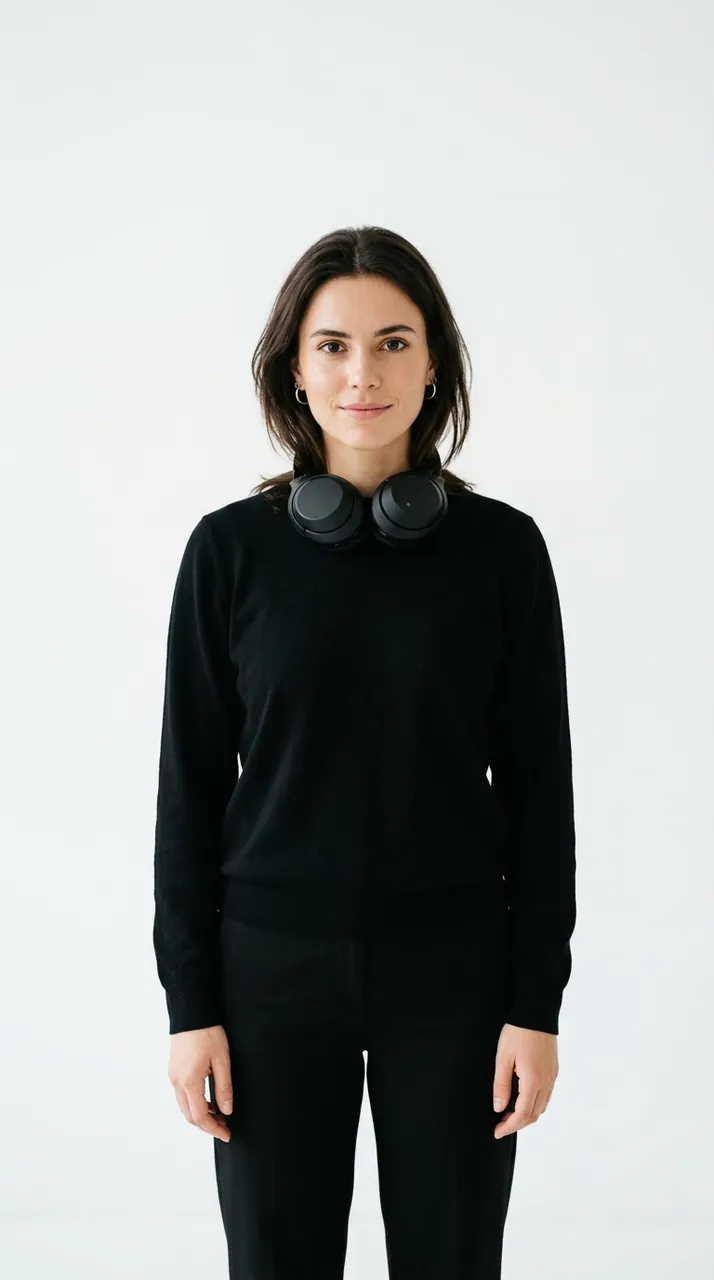
An animated clip that keeps the source composition as its visual anchor
Animating portraits, product shots, illustrations, and keyframes