Kling flowsChosen search
Kling AI alternative — run it without a subscription
Kling AI alternative — run it without a subscription in one workflow. Motion, shots, and video together.
Or start free in the Telegram bot — 10 coins to tryFrequently asked questions
- Is there a free Kling 3.0 AI alternative?
- A fully free one doesn't really exist for good output — video generation burns compute. ALLAI hands you free starter coins at sign-up, enough to run Kling 3.0 a few times and judge it yourself. From there you top up and pay per generation, so you're never locked into a monthly bill just to keep access open.
- Can I use Kling 3.0 without a subscription?
- Yes. On ALLAI, Kling 3.0 works on pay-per-generation. You buy coins and they only leave your balance when you render a clip. No recurring plan, no minimum months. Use Kling 3.0 heavily one week and not at all the next — your spend simply follows what you generate, nothing more.
- How does Kling 3.0 compare to Veo 3, Sora 2.0 and the others here?
- Kling 3.0 is a solid all-rounder, especially steady with character motion and image-to-video. Veo 3 adds audio and cinematic framing, Sora 2.0 pushes physical realism, and Minimax Hailuo 3, Seedance 2.0 and Wan Motion Transfer give you faster or more stylised options. All of them share one ALLAI balance, so switching between them for a shot takes seconds.
- Do I need to install anything?
- No. Kling 3.0 runs in your browser through ALLAI. Open the site, sign in, enter a prompt or upload a first frame, and generate. There's no app to download, no plugin, no API key. It works the same on mobile and desktop, so you can start a render on your phone and grab the file later.
- How is the pricing different from the official Kling 3.0 app?
- The official app leans on monthly membership tiers. ALLAI skips that and charges per generation from a coin balance you top up. If your usage is uneven or occasional, that usually costs less than a plan you pay for every month. And the same balance also unlocks Veo 3, Sora 2.0, Minimax Hailuo 3 and more, all in one place.
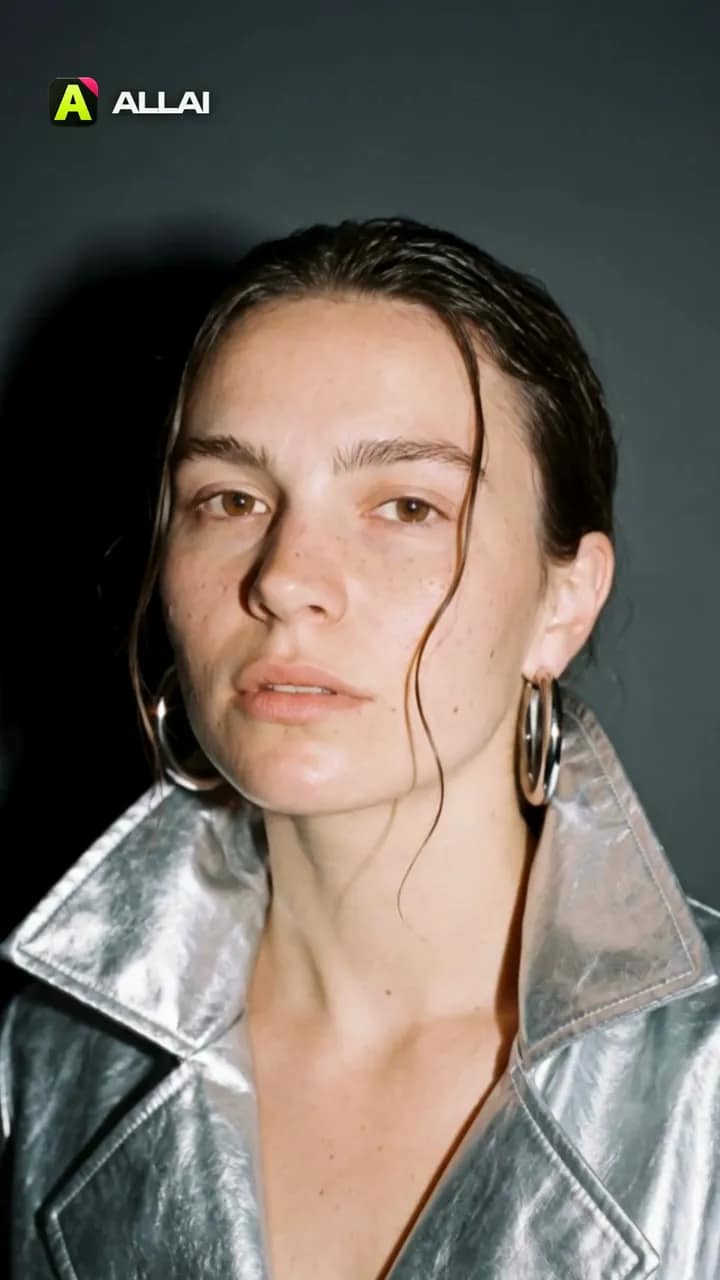 Made in ALLAI · 3 Kling 3.0 clips, edited
Turn your photo into a 5‑second fashion film
Hard camera flash, a glossy patent coat, a turn to the lens. Start from our frame or upload your photo, and Kling 3.0 shoots five seconds.
What you'll get
One photo becomes a five-second film shoot: a hard camera flash, a glossy patent coat, a turn to the lens.
Kling 3.0VideoRatio9:16Duration5sTikTokYouTube

AI Video Studio
Turn a photo into a cinematic video.
Choose a short-form format, add a photo, and generate a cinematic clip through supported video models.
Current formatSeedanceZine rhythm5 scenarios
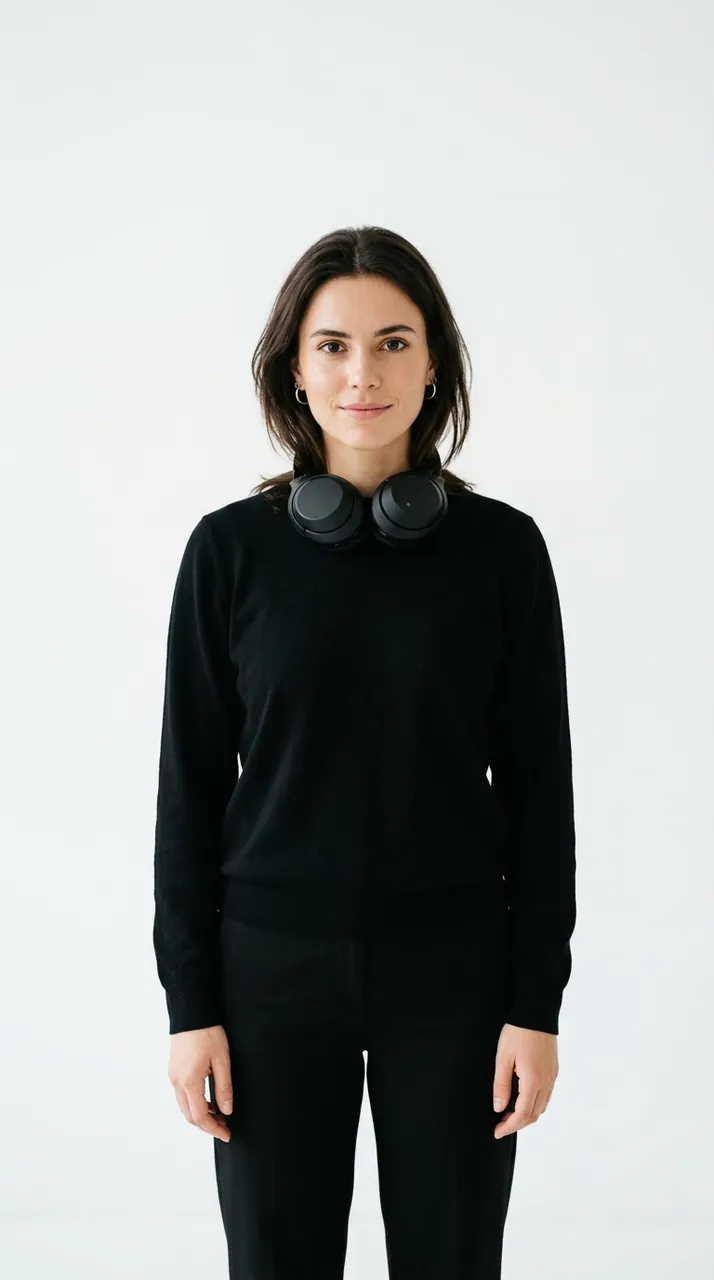
What you'll get
Cutout edits, poster frames, music-video pacing.
Make a product video from your photo.
Open a ready 5-second UGC recipe. Add your product photo, review the settings and price, then create.