Video creationChosen search
Veo 3 alternative — run it without a subscription
Veo 3 alternative — run it without a subscription in one workflow. Create motion and publish faster.
Or start free in the Telegram bot — 10 coins to tryFrequently asked questions
- Is there a free Veo 3 alternative?
- Not a genuinely free one — Veo 3 renders sound and video, and that compute has to be paid for somewhere. ALLAI gives you free starter coins at sign-up so you can put Veo 3 through a real test first. After that you top up a coin balance and pay per generation, without committing to a monthly plan.
- Can I use Veo 3 without a subscription?
- Yes. ALLAI runs Veo 3 pay-per-generation, so you spend coins only when you actually render a clip. No monthly seat, no auto-renewal you forget to cancel. If a month goes by without a project, you pay nothing. When you do need Veo 3's audio and cinematic shots, the coins are there waiting.
- How does Veo 3 compare to Sora 2.0, Kling 3.0 and the others here?
- Veo 3 stands out for synced audio and film-like camera work. Sora 2.0 leans into coherent physical motion, Kling 3.0 is dependable for characters, and Minimax Hailuo 3, Seedance 2.0 and Wan Motion Transfer handle quick or stylised clips. Because all of them share one ALLAI balance, you can send a scene to Veo 3 and Sora 2.0 both, then keep whichever lands better.
- Do I need to install anything?
- No. Veo 3 runs straight in your browser on ALLAI. Open the page, sign in, write a prompt or drop in a reference image, and generate. There is no desktop software, no plugin, no API key to set up. It behaves the same on a phone as on a desktop, so you can export a clip from anywhere.
- How is the pricing different from the official Veo app?
- Official access to Veo usually sits behind a monthly plan. ALLAI replaces that with pay-per-generation from a coin balance you top up. For irregular or project-based work that tends to cost less, because you are not paying every month for idle access. The same balance also covers Sora 2.0, Kling 3.0, Minimax Hailuo 3 and the rest.
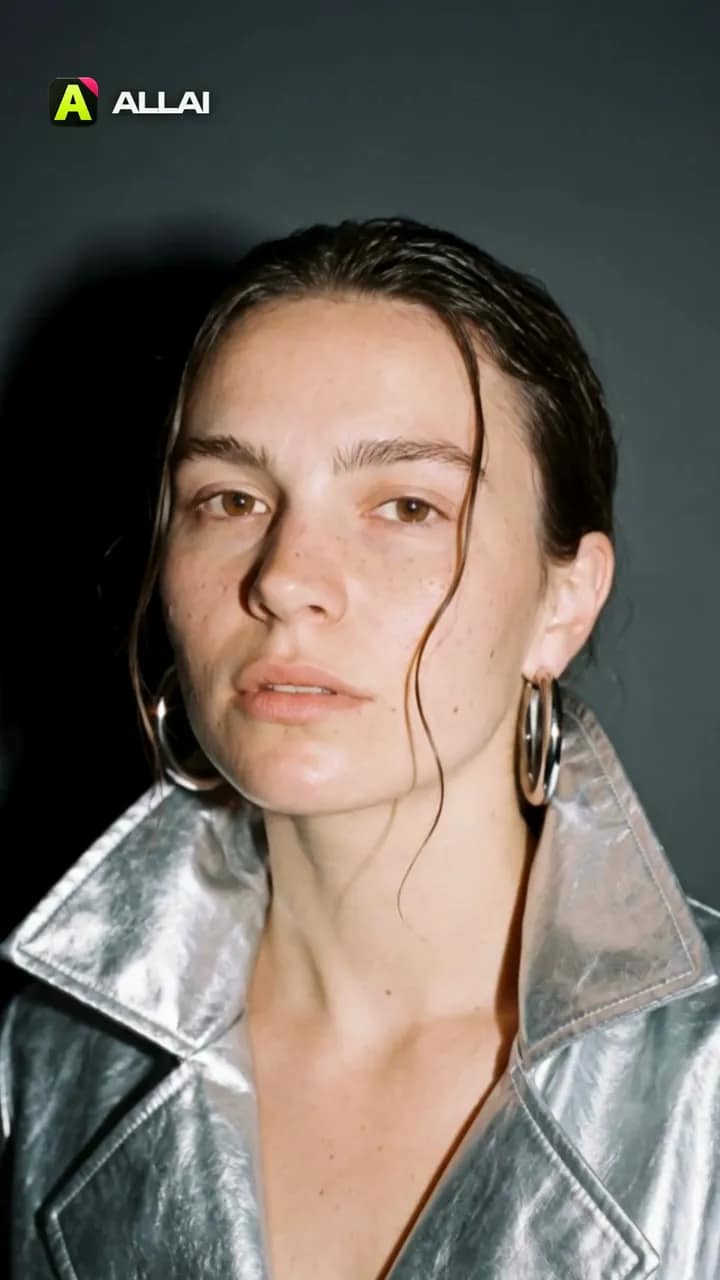 Made in ALLAI · 3 Kling 3.0 clips, edited
Turn your photo into a 5‑second fashion film
Hard camera flash, a glossy patent coat, a turn to the lens. Start from our frame or upload your photo, and Kling 3.0 shoots five seconds.
What you'll get
One photo becomes a five-second film shoot: a hard camera flash, a glossy patent coat, a turn to the lens.
Kling 3.0VideoRatio9:16Duration5sTikTokYouTube

AI Video Studio
Turn a photo into a cinematic video.
Choose a short-form format, add a photo, and generate a cinematic clip through supported video models.
Current formatSeedanceZine rhythm5 scenarios
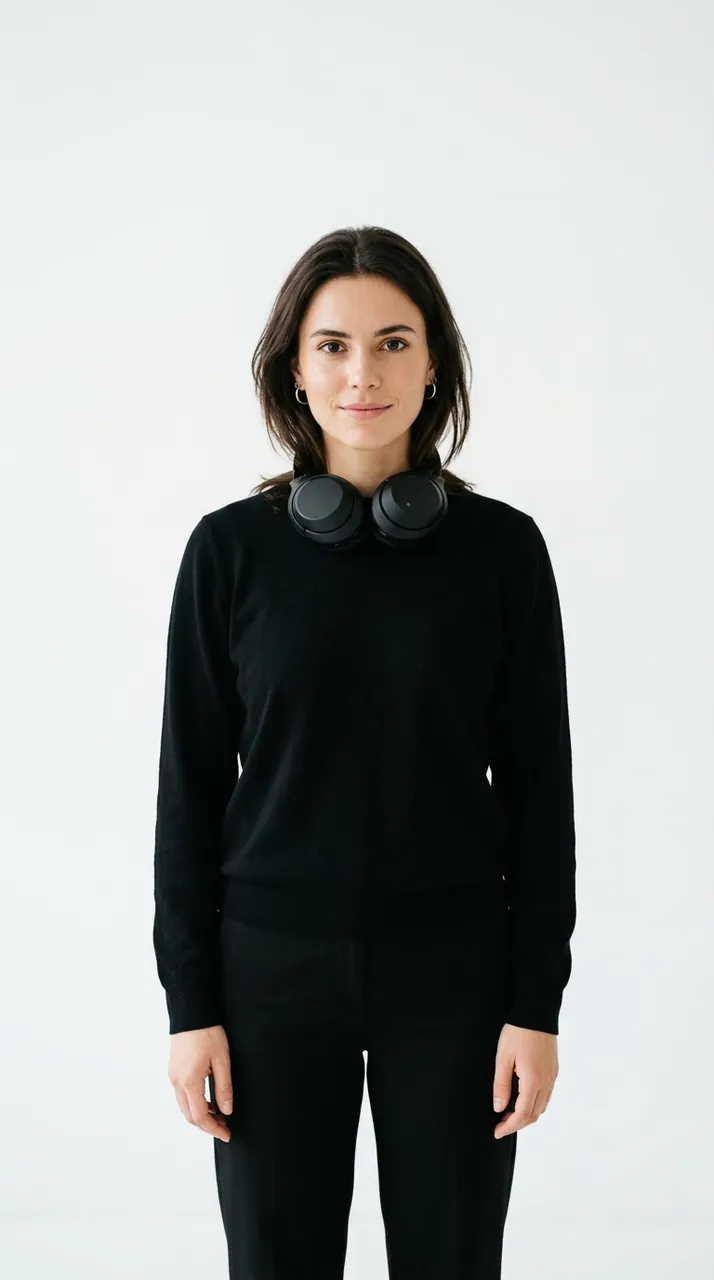
What you'll get
Cutout edits, poster frames, music-video pacing.
Make a product video from your photo.
Open a ready 5-second UGC recipe. Add your product photo, review the settings and price, then create.